01
Aim for the actual limit对准真正的限制
Choose 1, 2, 5, 10, 20, 25, or 50 MB—or enter the exact decimal-MB target your portal accepts.选择 1、2、5、10、20、25 或 50 MB,也可以输入上传平台要求的精确小数目标。
Private PDF compression for macOS为 macOS 打造的私密 PDF 压缩工具
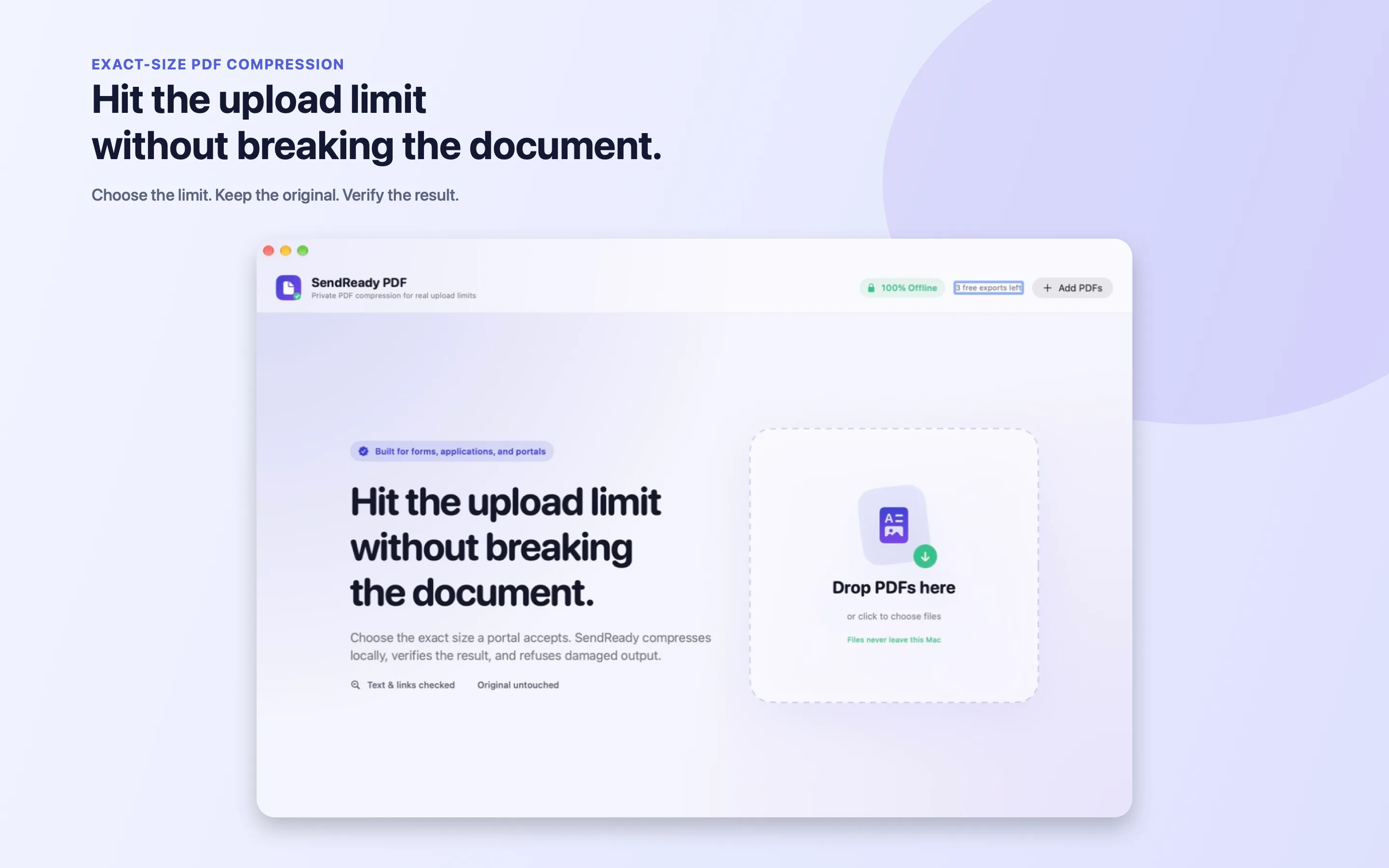
Hit the upload limit without breaking the document. SendReady compresses toward the exact size, checks what survived, and keeps your original untouched.压到上传限制以内,同时不破坏文档。SendReady 会朝精确大小压缩、检查哪些内容被完整保留,并始终保持原文件不变。
Native for macOS 14 and later · Coming to the Mac App Store原生支持 macOS 14 及以上版本 · 即将登陆 Mac App Store
The moment it is for为这一刻而做
“Your file exceeds the maximum upload size.”“你的文件超过了最大上传大小。”
Most compressors optimize one number and leave you to discover whether a form, link, signature, or searchable page disappeared. SendReady treats compression as a document-safety problem—not a race to the smallest file.多数压缩工具只优化一个数字,却把表单、链接、签名或可搜索页面是否消失的问题留给你自己发现。SendReady 把压缩视为文档安全问题,而不是一场比谁文件更小的竞赛。
One calm workflow一套从容的流程
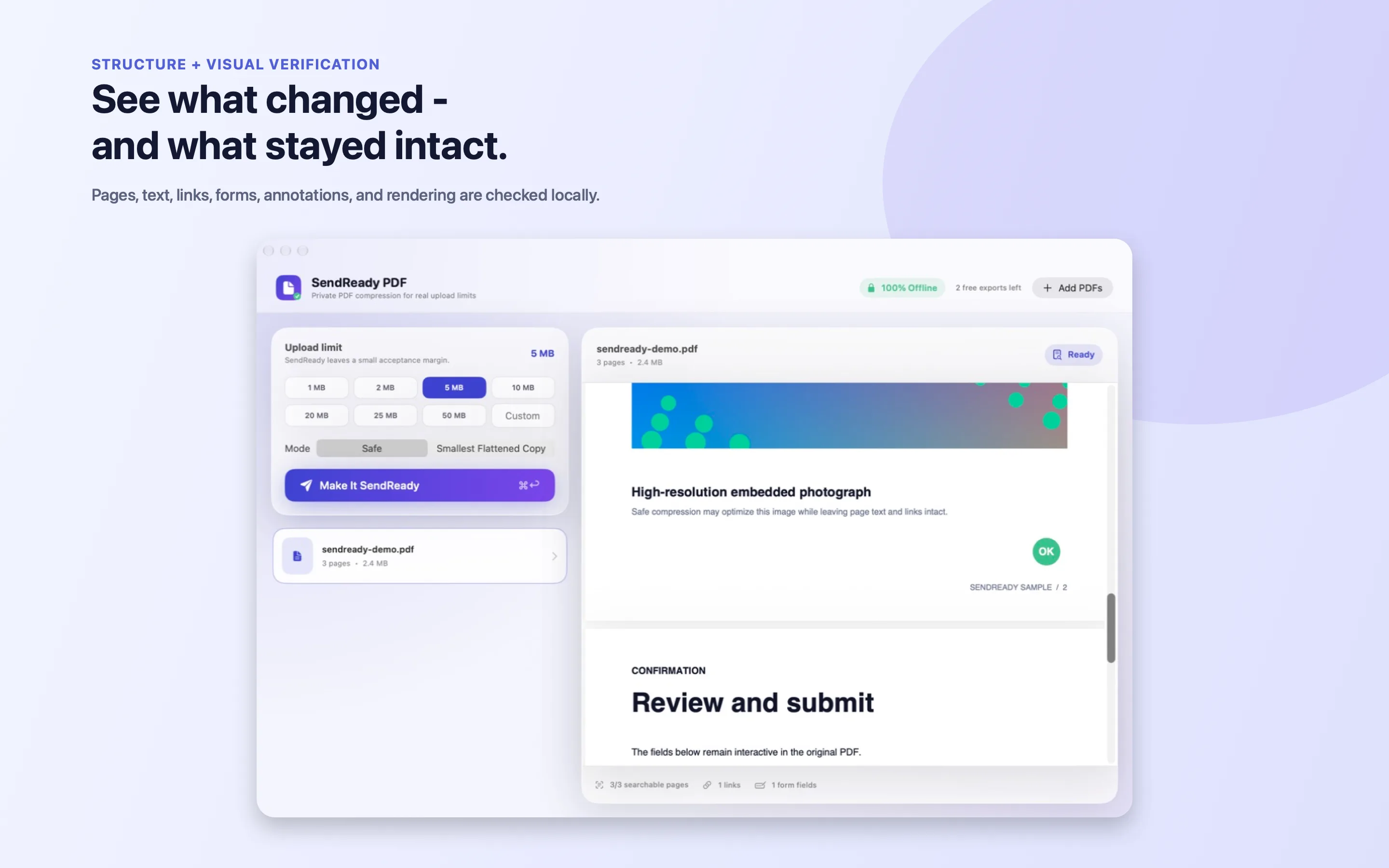
The target, safety mode, document preview, and verification status all stay visible—so there is no mystery between the file you drop and the file you send.目标大小、安全模式、文档预览和验证状态始终清晰可见——从拖入文件到发送文件,中间没有任何黑箱。
Built around trust围绕信任而设计
Choose 1, 2, 5, 10, 20, 25, or 50 MB—or enter the exact decimal-MB target your portal accepts.选择 1、2、5、10、20、25 或 50 MB,也可以输入上传平台要求的精确小数目标。
SendReady checks page geometry, text, links, forms, annotations, bookmarks, structure, and rendered similarity after every export.每次导出后,SendReady 都会检查页面尺寸、文字、链接、表单、批注、书签、结构以及渲染相似度。
Results are marked Passed, Review, or Blocked. If the target is unsafe, the app says so and offers the best verified copy.结果会明确标记为“通过”“需复核”或“已阻止”。目标不安全时,应用会如实说明,并提供已经验证的最佳版本。
Drop several PDFs, keep deterministic non-overwriting names, and review each before it leaves your desk.一次拖入多份 PDF,以确定且不覆盖原文件的方式命名,并在发送前逐一检查。
Safe mode means safe安全模式,真的安全
When the requested size would damage the document, SendReady does not paint the result green. It explains the gap, offers the smallest verified copy, and keeps destructive flattening behind a clear choice.当目标大小会损坏文档时,SendReady 不会把结果涂成绿色假装成功。它会解释差距、提供最小的已验证版本,并把有损的扁平化操作放在明确选择之后。


Fits how you work适应你的工作方式
Use the app, a Finder right-click, Apple Shortcuts, or the command line. The same local engine and the same safety contract follow every route.你可以使用应用、Finder 右键菜单、Apple 快捷指令或命令行。无论从哪里开始,背后都是同一套本机引擎和同一份安全承诺。
Three successful exports free, then a one-time lifetime unlock. No subscription and no document upload.前三次成功导出免费,之后一次购买即可永久解锁。没有订阅,也不会上传文档。
Coming to the Mac App Store即将登陆 Mac App Store